Work hours tracker for hourly jobs
Every hour counted.
Every cent you earned.
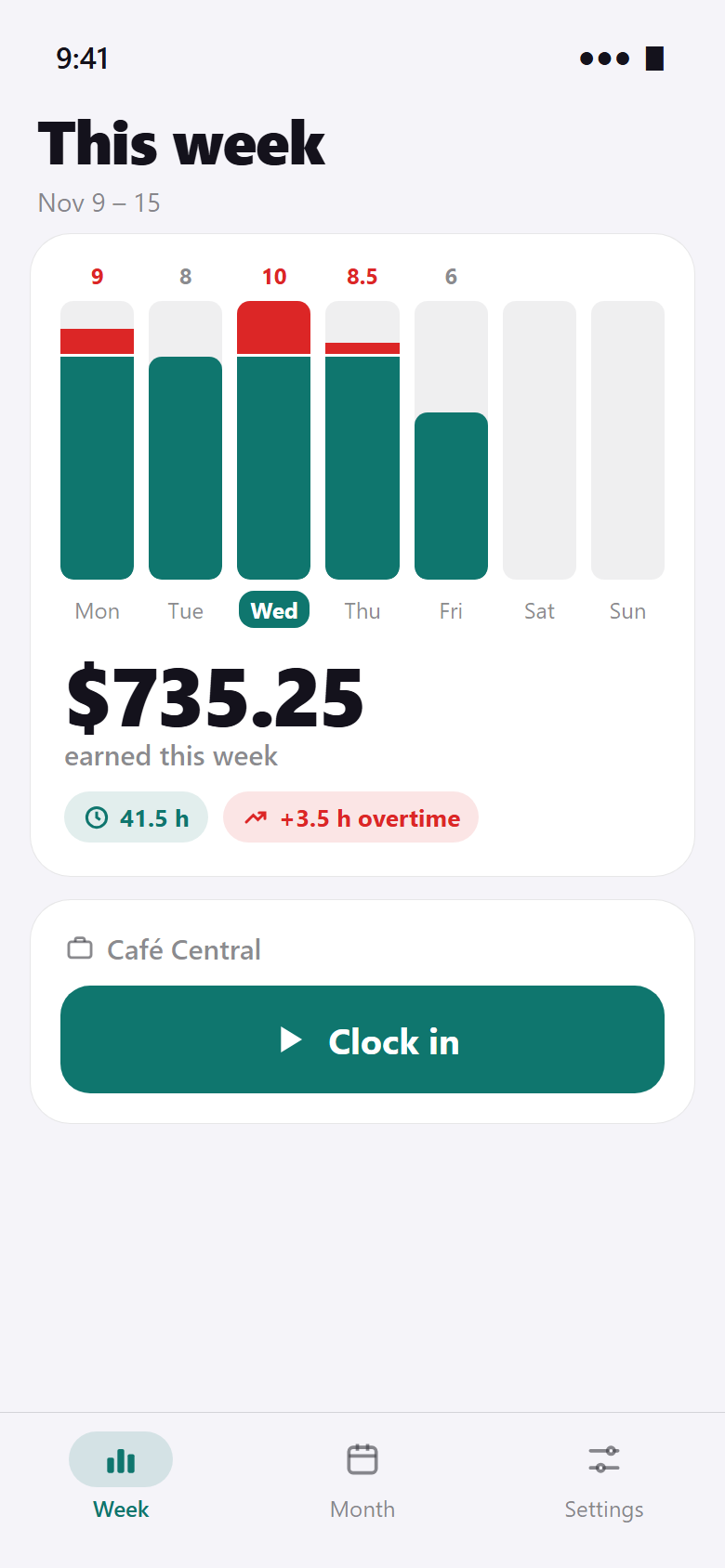
Clock in with one tap. Your week shows up as bars, overtime in red on top – and right below, what you earned this week.


- Free to use
- No account, works offline
- No ads
Coming soon to Google Play.
Coming soon to the App Store.
One tap
Clock in. Clock out. Done.
Tap once when your shift starts and once when it ends. Breaks with one tap in between.
Forgot to clock in? Add the shift later with start, end and break. Night shifts past midnight count on the day they started.
Overtime
Overtime you can see.
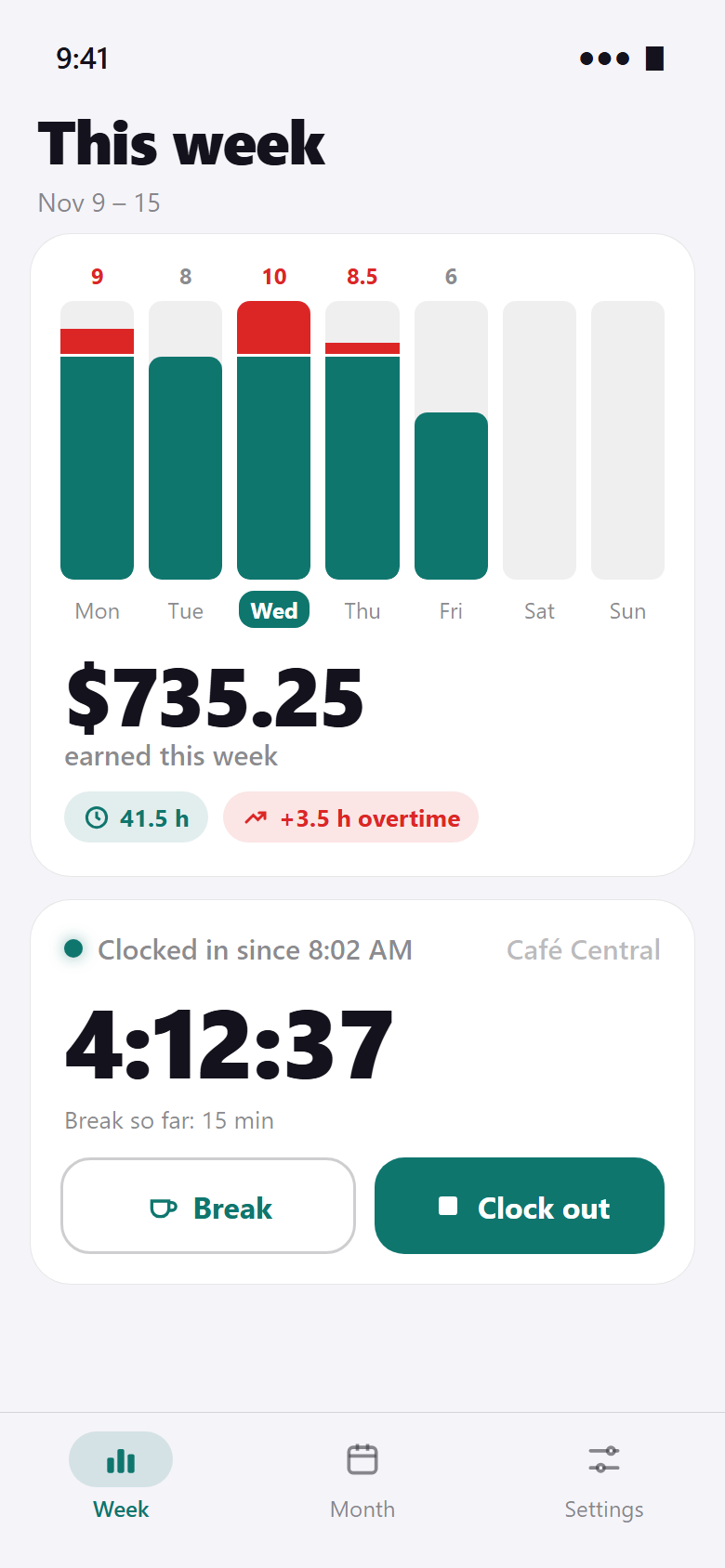
Hours above your weekly limit turn red on top of the bar – no spreadsheet needed.
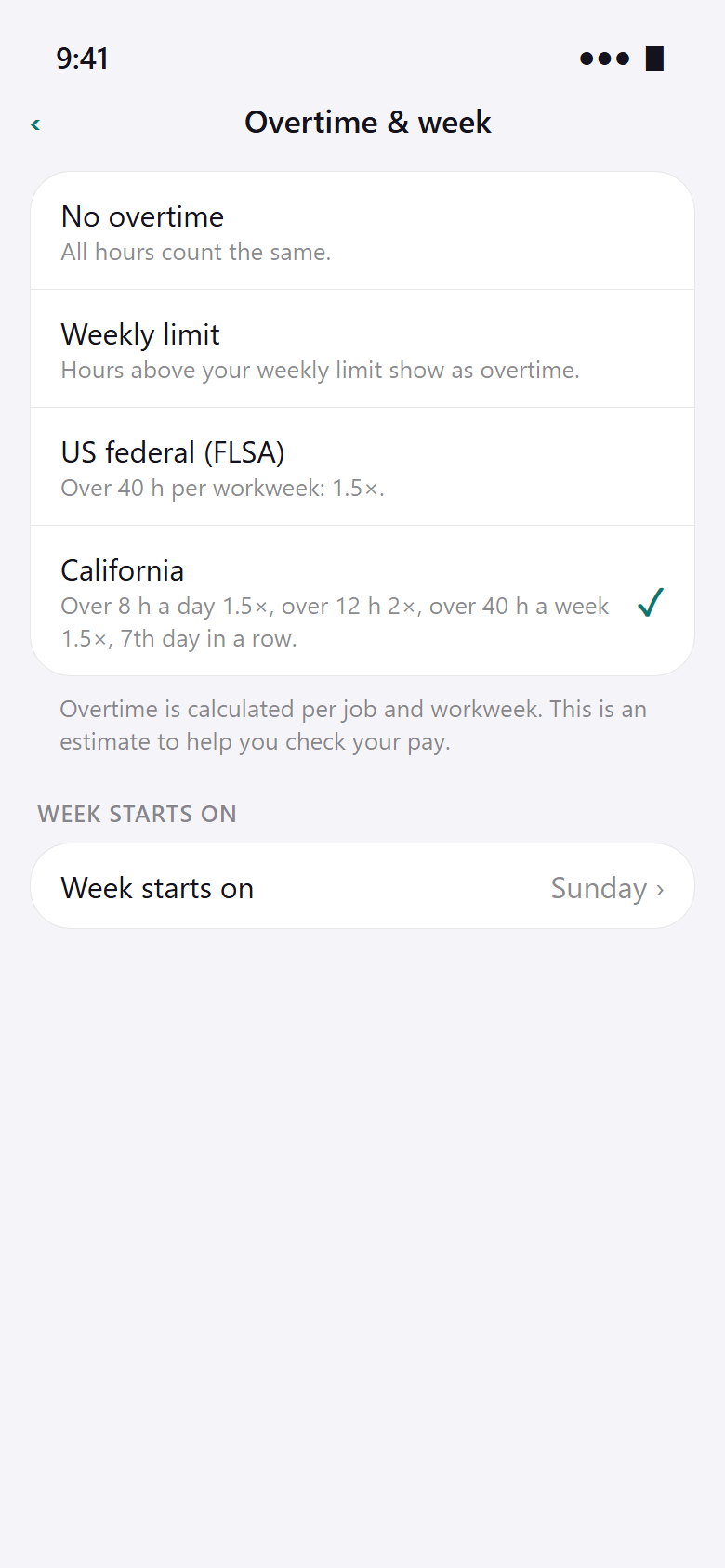
With Pro you set an overtime premium or use the US rules: federal (over 40 h a week 1.5×) or California (over 8 h a day 1.5×, over 12 h 2×, 7th day in a row). Calculated per job and workweek.
Paid by the hour?
Then every hour counts.
HourKit gives you your own record – so you can check your pay slip instead of guessing.
Month
Your month at a glance.
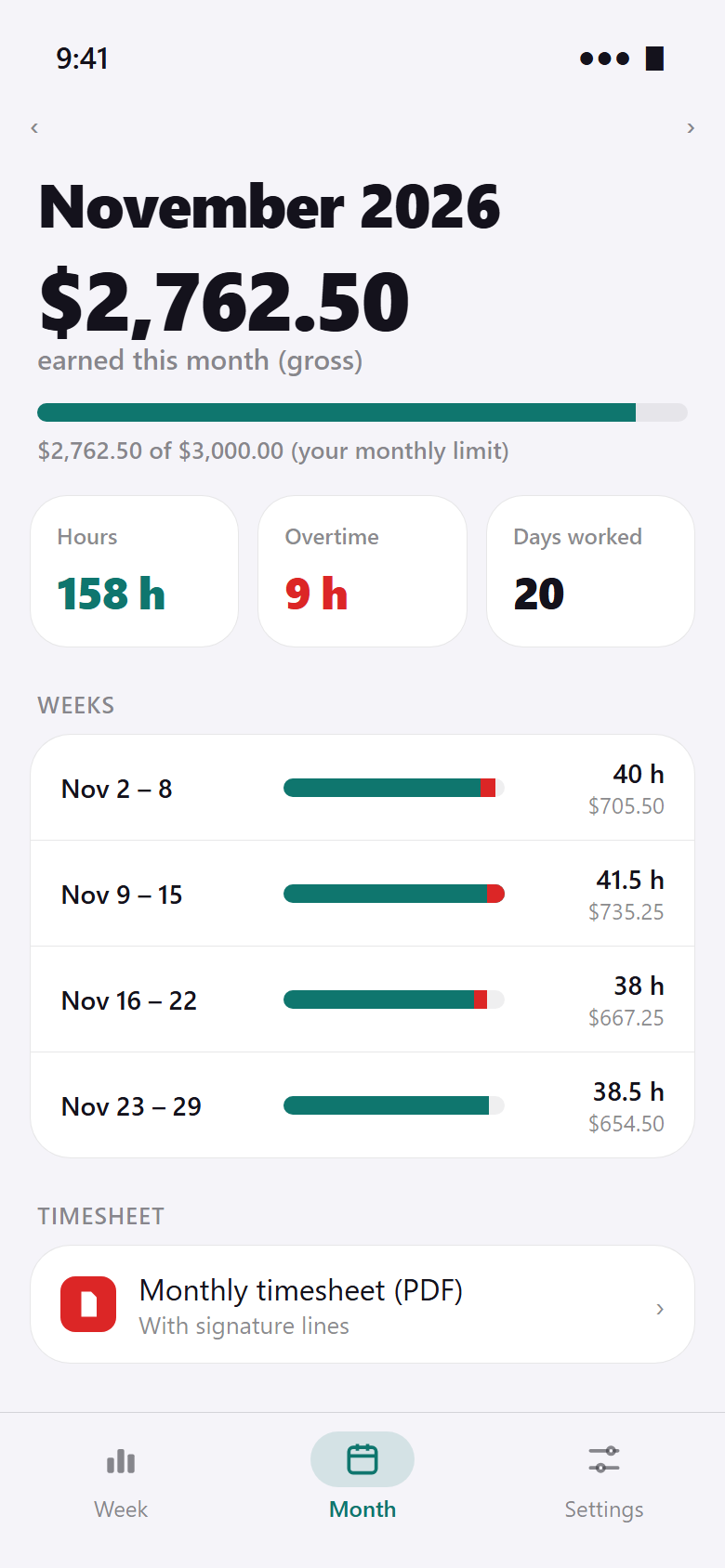
Gross pay, hours, overtime and days worked for the month, week by week.
Set a monthly limit – for example for a mini-job – and see how close you are before you go over.
Timesheet · Pro
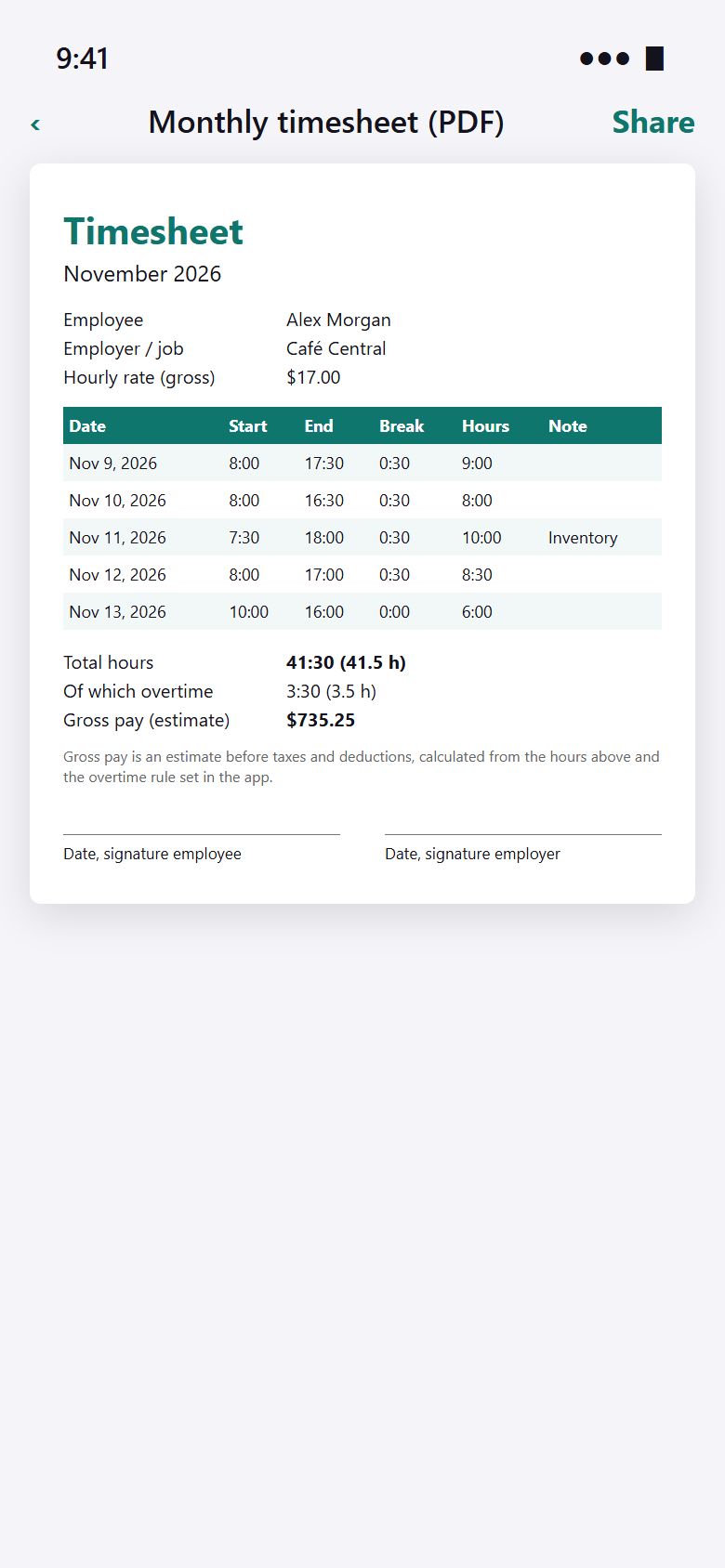
The timesheet, ready to sign.
One tap creates a clean PDF for the month: date, start, end, break and hours, totals and gross pay.
With signature lines for you and your employer. Or export everything as CSV for Excel, Numbers or Google Sheets.
The difference
No more notes on scraps of paper.
- Writing down times on a sticky noteClock in and out with one tap
- Guessing whether this week had overtimeOvertime in red on your week
- Adding up hours × rate on a calculatorEarnings this week and this month
- Typing a timesheet for your employerMonthly PDF timesheet in one tap (Pro)
- Forgetting to clock out“Still clocked in?” reminder (Pro)
And the little things.
Breaks
Start and end a break during the shift, or enter it afterwards. Breaks are taken off your hours.
Week or month
Flip back through past weeks and months. Tap a day’s bar to add a shift on that day.
Your monthly limit
Enter a limit (e.g. for a mini-job) and a bar shows how much room is left this month.
Several jobs · Pro
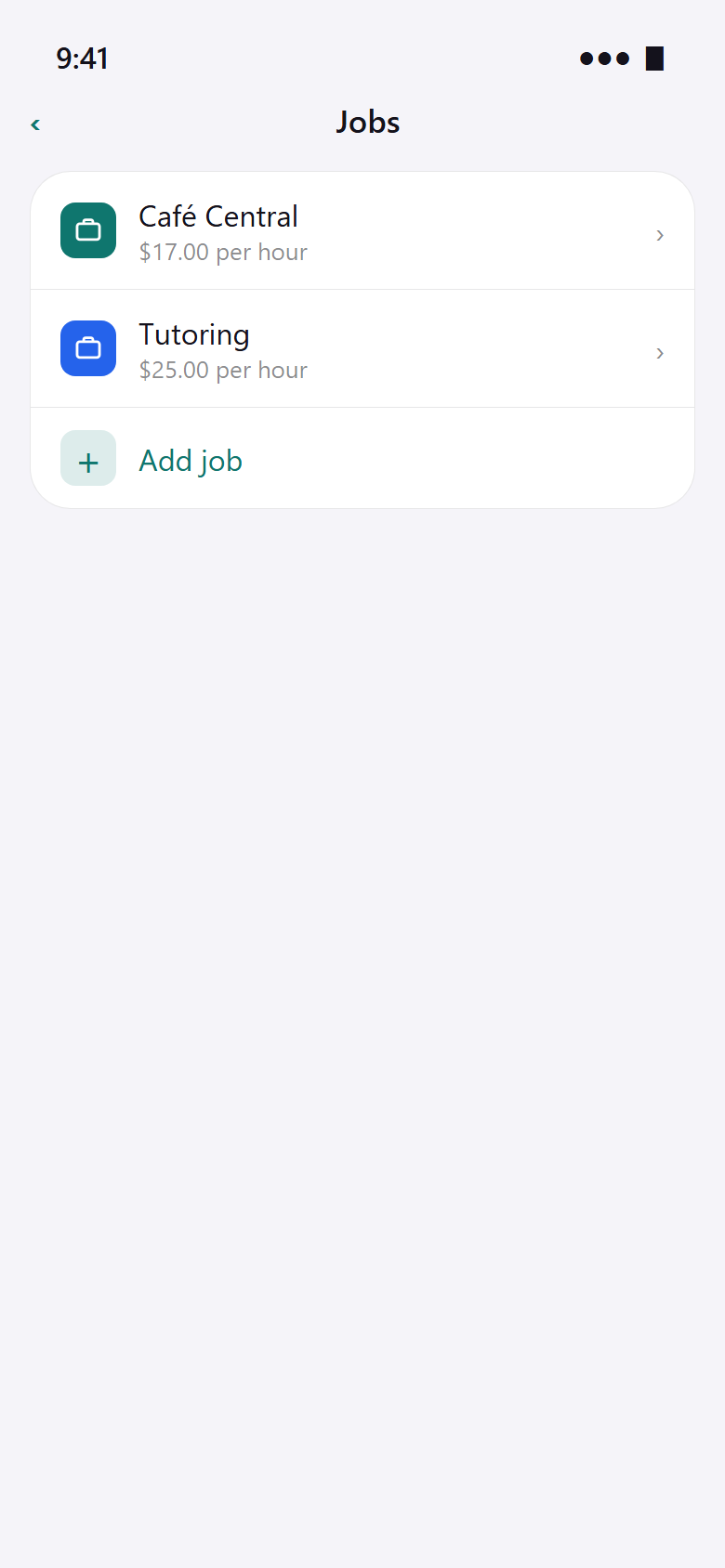
Waiting tables and tutoring? Each job has its own hourly rate and overtime is counted per employer.
Home screen widget
Your week’s bars and earnings on the home screen, with a clock-in button.
On your phone
No account, no cloud. Back up your data as a file whenever you like.
Pro
Free to track. Pro for your paperwork.
Pro adds several jobs, the monthly PDF timesheet, CSV export, overtime premiums and the US rules, plus “Forgot to clock in?” reminders.
Pro is available monthly, yearly or as a one-time purchase. The store shows the current price in your currency before you buy. One job, clocking, week and month and your earnings stay free.
Quick questions.
Who is HourKit for?
What does HourKit cost?
How does HourKit make money?
How is overtime calculated?
Is the earnings figure my net pay?
Can I give the PDF to my employer?
Do I need an account or internet?
Which devices and languages?

Get HourKit.
Your next shift is the first one on the chart.
Coming soon to Google Play.
Free · Android & iPhone · No ads